 Chloe HartLast Modified: Jul 31, 2026
How to Create a Product Roadmap From Customer Feedback




Introduction
Let’s be honest. Most product roadmaps are built the same way.
Someone important has an idea. The team agrees it sounds reasonable. It goes on the roadmap. Repeat until the roadmap looks impressive enough to share.
Sound familiar?
The problem is not that teams don’t care about users. Most teams genuinely want to build what users need. But when nobody on the team knows how to create a product roadmap that is actually driven by customer feedback, the default approach becomes internal opinions dressed up as strategy.
Here’s the good news: it doesn’t have to be that way.
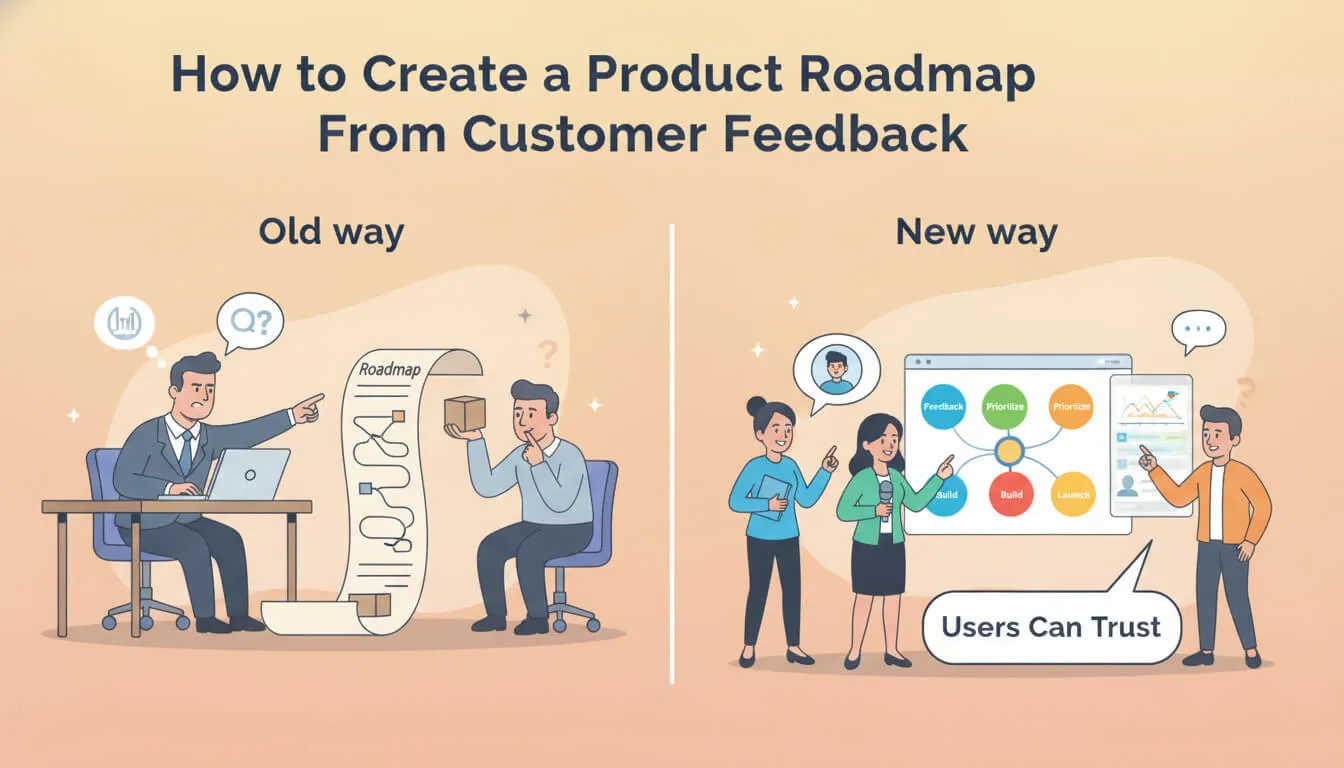
In this article, we’ll walk through how to create a product roadmap step by step — from understanding what a roadmap really is, to collecting feedback, prioritizing it, and turning it into a living document that your users can actually see and trust.
No enterprise frameworks. No 50-page templates. Just a practical process that works for teams that want to build products users actually want. By the end, you’ll know exactly how to create a product roadmap that turns scattered user feedback into clear product direction.
Start With the Right Foundation
Before we talk about feedback, let’s talk about the roadmap itself.
Because here’s the thing — you can’t learn how to create a product roadmap if you don’t understand what one actually is.
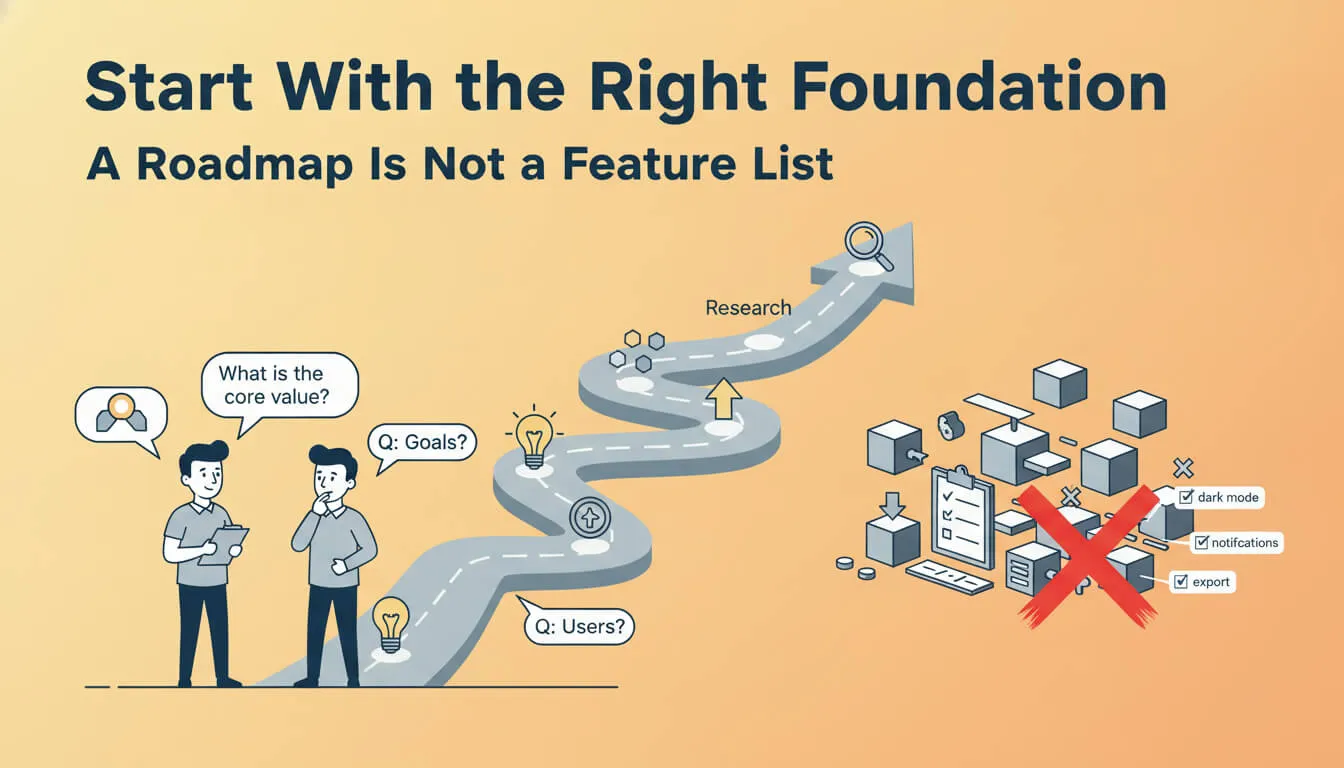
A Roadmap Is Not a Feature List
If you’re wondering what is a product roadmap, here’s the short answer: it’s a strategic document that shows where your product is going and why.
Notice the word “why.” That’s the part most teams skip.
A feature list says “we’re building dark mode in Q3.” A roadmap says “we’re focusing on reducing friction for power users in Q3, and dark mode is one way we’re doing that.”
See the difference? One is a to-do list. The other is a strategy.
When you understand this distinction, how to create a product roadmap stops being about filling in a template and starts being about making real decisions.
Define Your Product Direction First
Before collecting a single piece of feedback, ask yourself:
- What is the product’s core value proposition?
- What are we trying to achieve this quarter or this year?
- Who are our most important users?
These questions matter because feedback without context is just noise. If you don’t know where you’re going, no amount of user input will tell you.
This is step one of how to create a product roadmap: set the direction. Everything else feeds into it.
Gather Feedback From Every Channel
Now that you have a direction, it’s time to listen.
User feedback is everywhere. Discord messages, emails, support tickets, social media replies, community forums, customer calls — it’s coming at you from all directions.
And that’s actually a good thing. It means users care enough to share. The problem is what happens next.
The Scatter Problem
Most teams don’t struggle with collecting feedback. They struggle with keeping it organized.
One user asks for a feature in Discord. Another reports the same issue through email. A third mentions it during a support call. Each conversation lives in its own little bubble, and nobody connects the dots.
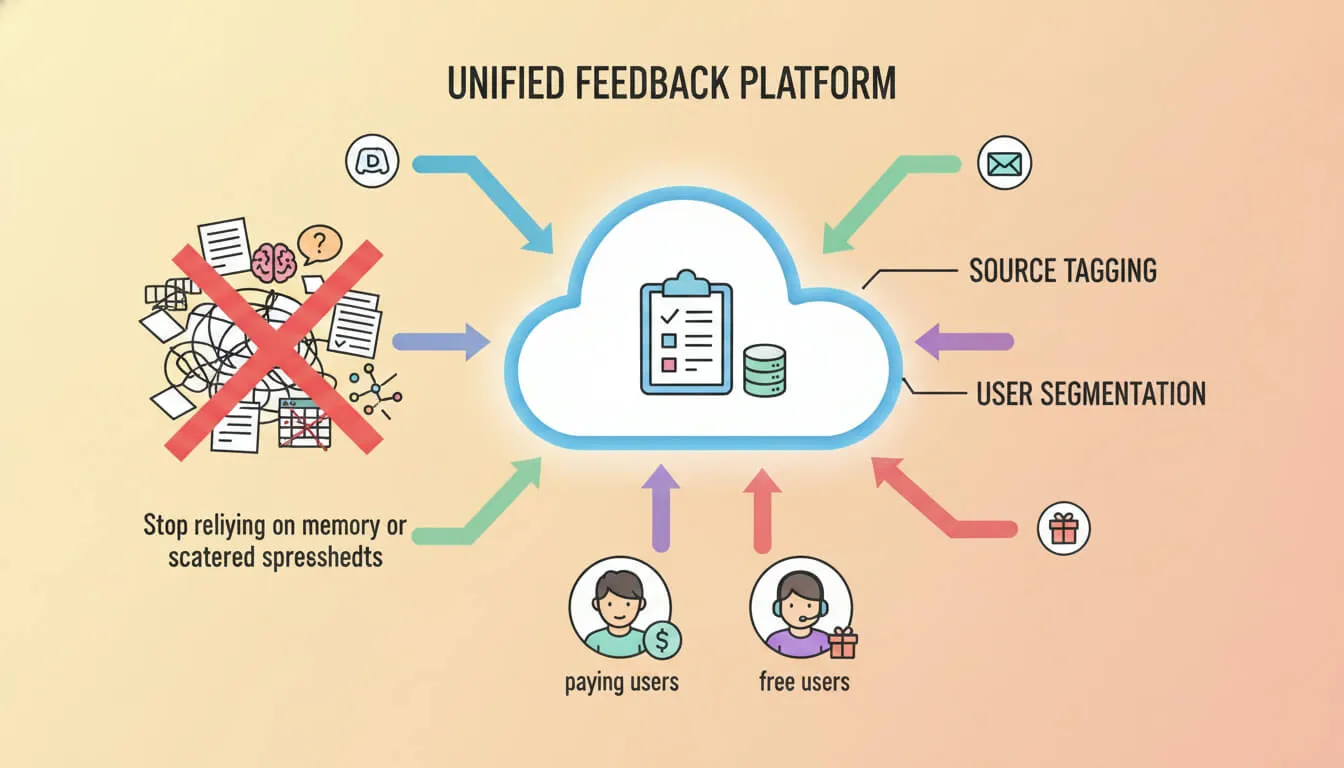
This is exactly why feedback management is broken for most product teams. Feedback comes from everywhere, and without a system to centralize it, valuable insights just… disappear.
When you’re figuring out how to create a product roadmap, this is the first bottleneck you’ll hit. You need all your feedback in one place before you can do anything useful with it. And if you’re wondering whether how to create a product roadmap really requires this step — yes, it absolutely does. Without centralized feedback, every other step that follows is built on incomplete information.
Centralize Everything
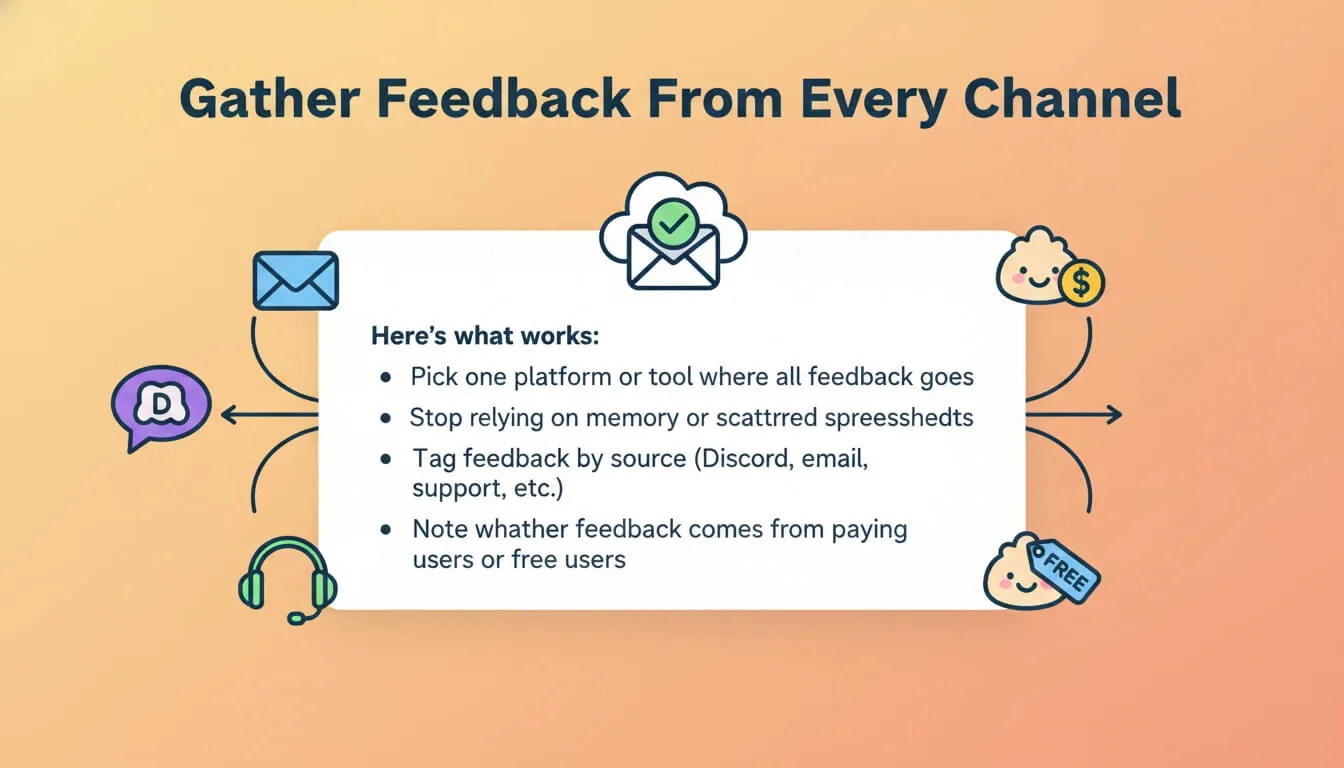
Here’s what works:
- Pick one platform or tool where all feedback goes
- Stop relying on memory or scattered spreadsheets
- Tag feedback by source (Discord, email, support, etc.)
- Note whether feedback comes from paying users or free users
That last point matters more than you might think. Feedback from a paying user who’s been with you for six months carries different weight than a one-time comment from a free user.
When learning how to create a product roadmap, the quality of your input determines the quality of your output. Centralized, well-organized feedback is the foundation.
Build a Feedback Loop That Feeds the Roadmap
Collecting feedback is just the beginning. The real magic happens when you turn that feedback into a continuous loop that directly feeds your roadmap.
The Four-Step Loop
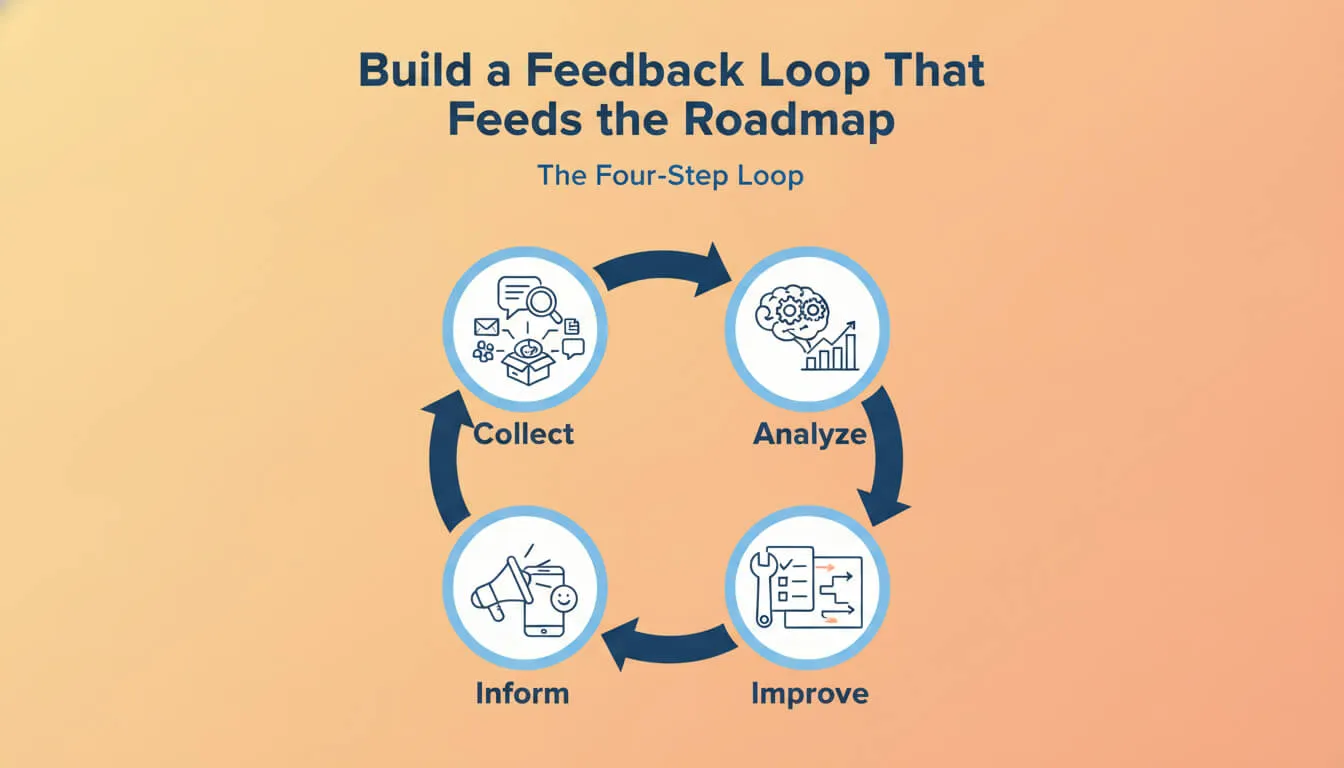
A Customer Feedback Loop follows a simple cycle: Collect → Analyze → Improve → Inform.
Let’s break that down in the context of roadmap creation.
Collect: Bring all feedback into one place. We covered this above — no scattered channels, no lost conversations.
Analyze: This is where things get interesting. Instead of reading every comment one by one, look for patterns. Modern tools use AI to automatically categorize feedback, detect duplicates, and surface recurring themes. Ten different feature requests might actually be describing the same underlying problem. You won’t see that without analysis.
Improve: Take what you learned and turn it into action. This is where feedback becomes roadmap items — themes, priorities, and initiatives.
Inform: Tell users what happened. This is the step most teams skip, and it’s also the most important one. When users see that their feedback led to real changes, they keep contributing. When they don’t, they stop.
Why Votes Aren’t Enough
A lot of teams use voting boards and call it a day. The most popular requests win, right?
Not quite. Votes tell you what users think they want. They don’t tell you why they want it or what problem they’re actually trying to solve.
Five users might vote for “API integrations” for five completely different reasons. Without digging into the feedback, you’d build a generic integration feature that satisfies no one.
Understanding how to create a product roadmap means going beyond surface-level requests and finding the patterns underneath. That’s what separates a real strategy from a popularity contest.
Prioritize and Map Feedback to Roadmap Themes
Alright, this is the meat of it. You’ve collected feedback, analyzed it, and identified patterns. Now it’s time to make decisions.
Use a Simple Prioritization Framework
You don’t need a complex scoring model. Just ask four questions about each pattern you’ve identified:
- How many users are affected? — Is this a widespread issue or a niche request?
- Does it impact retention or growth? — Will fixing this keep users around or bring in new ones?
- Does it align with your product direction? — You defined this earlier. Does this feedback fit?
- What’s the effort? — Be honest about how much work it’ll take.
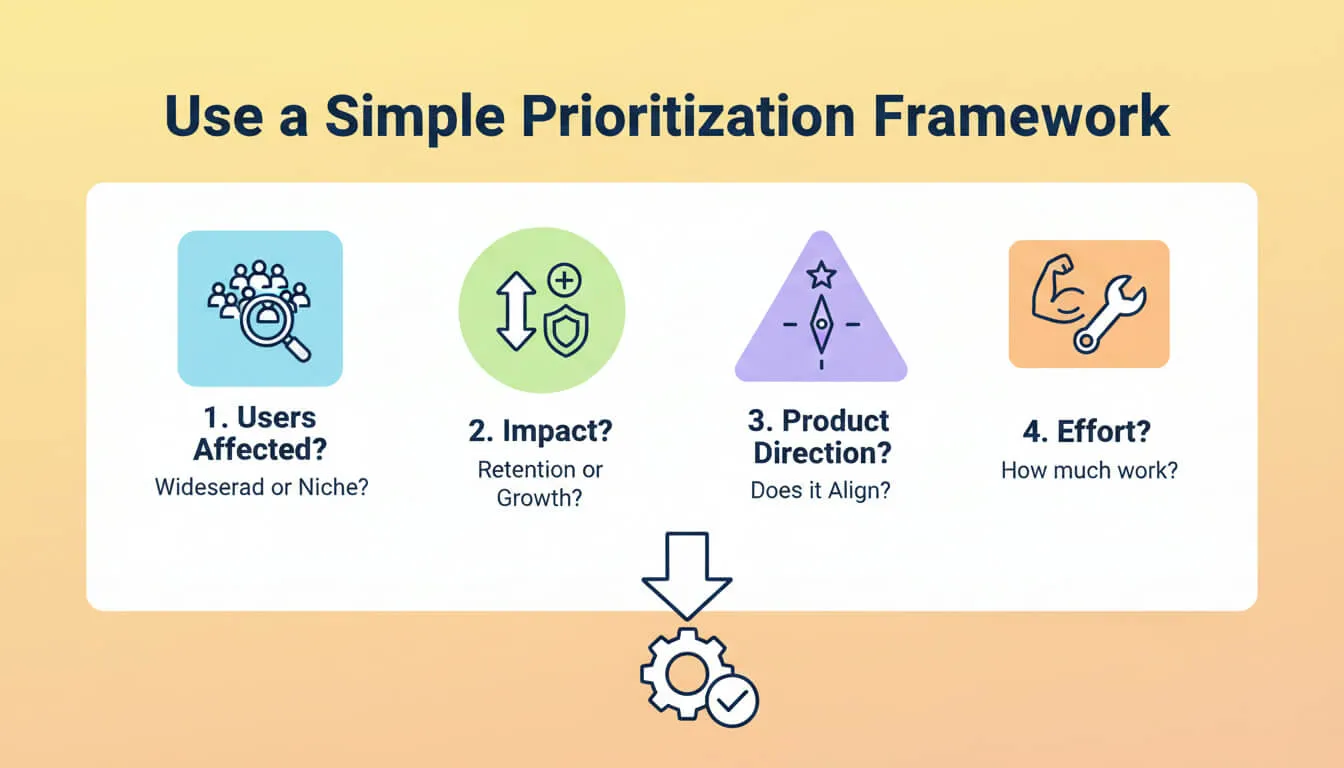
If a feedback pattern scores high on the first three and the effort is reasonable, it belongs on the roadmap. If not, it doesn’t. Simple as that.
Turn Patterns Into Themes
Here’s where how to create a product roadmap gets really powerful.
Instead of adding individual features to your roadmap, group related feedback into themes.
Let’s say you notice these recurring requests:
- “Better onboarding flow”
- “More integrations with tools we already use”
- “Clearer dashboard”
These might all point to one theme: “Reduce friction for new users.”
Themes are flexible. They give your team a direction without locking everyone into a specific implementation. And they directly connect user needs to product strategy.
This is the key difference between how to create a product roadmap that works and one that doesn’t. Features are solutions. Themes are strategies.
Don’t Put Everything on the Roadmap
Seriously. Don’t.
Not every piece of feedback belongs on your roadmap. Not every user request deserves a spot. If you add everything, you end up with a feature backlog pretending to be a strategy document.
Be selective. Be intentional. A good roadmap has a few clear themes, not fifty items.
When teams ask us how to create a product roadmap that actually drives decisions, this is our number one tip: say no to most things so you can say yes to the right things.
Choose the Right Tools Without Overcomplicating
Here’s a truth that might sting a little: most feedback tools on the market were not built for small teams.
They were built for enterprises with dedicated support teams, customer success managers, and complex internal workflows. That’s why they come with dashboards nobody reads, approval processes nobody follows, and permission layers nobody needs.
What Small Teams Actually Need
If you’re learning how to create a product roadmap and you’re part of a small team, here’s what matters:
- One place to collect feedback (not five tools that don’t talk to each other)
- A way to spot patterns without manually reading every comment
- Ability to share roadmap progress with users publicly
- Something you can set up in minutes, not days
That’s it. No enterprise features required.
Why We Built FeedLog
This is exactly why FeedLog exists.
Not because feedback collection is hard. But because keeping feedback organized and connected to product decisions becomes harder as you grow — and most tools either overcomplicate it or don’t help enough.
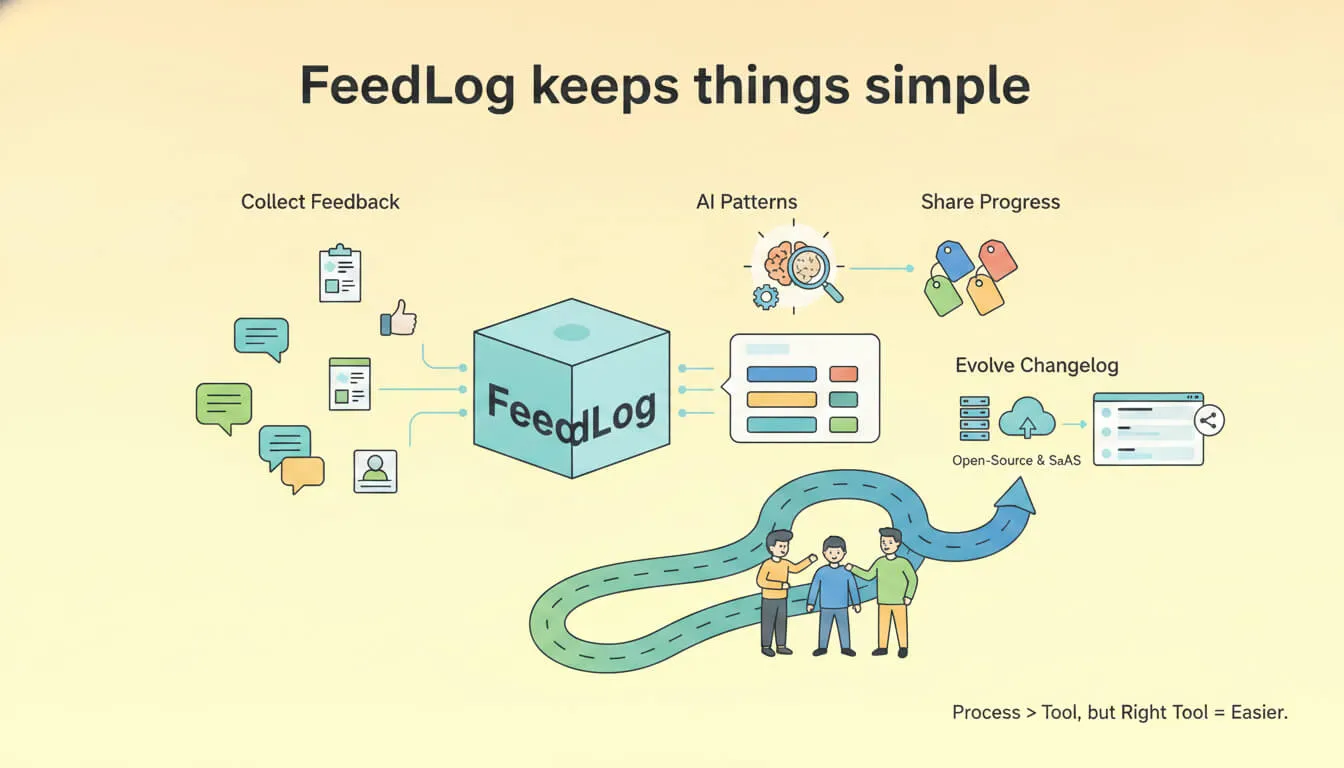
FeedLog keeps things simple. Collect feedback in one place. Use AI to identify patterns. Share progress publicly. Let the roadmap evolve naturally.
Both open-source and SaaS versions are available, so whether you want to self-host or just start immediately, the workflow stays the same.
Remember: how to create a product roadmap is about the process, not the tool. But the right tool makes the process a lot easier. The wrong tool adds overhead and slows you down — the exact opposite of what small teams need.
Make the Roadmap Public and Keep It Alive
You’ve done the hard work. You’ve collected feedback, analyzed it, prioritized it, and mapped it to themes. Now comes the part that most teams skip entirely: making it visible.
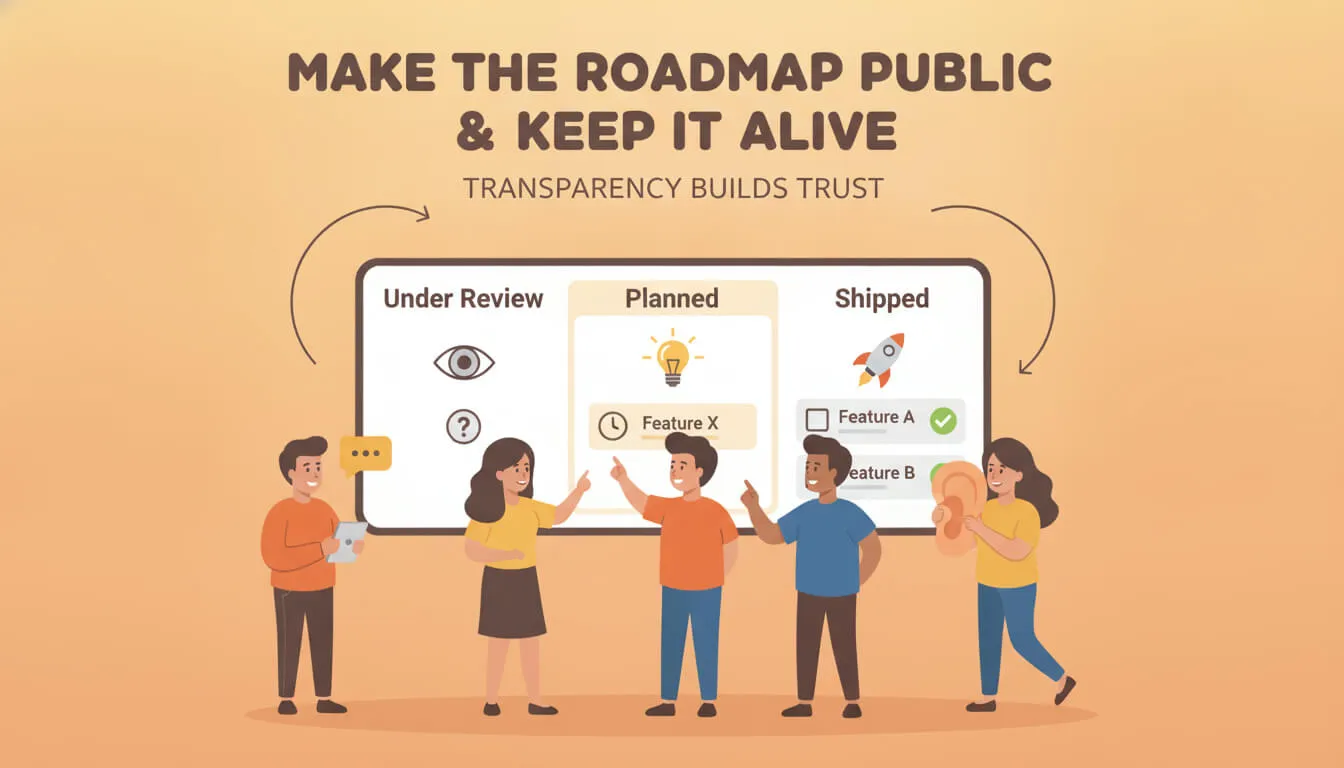
Transparency Builds Trust
Here’s something we’ve learned from working with product teams: users don’t expect every request to be implemented. What they do expect is honesty.
When users can see your roadmap — even a simple version with high-level themes and statuses — something changes. They stop feeling like they’re shouting into a void and start feeling like they’re part of the process.
Even a simple status update like “Under Review → Planned → Shipped” makes a huge difference. It shows users that feedback goes somewhere. That their voice matters.
This is the final piece of how to create a product roadmap: making it public so the feedback loop can actually close.
Keep It Updated
A roadmap is not a “set it and forget it” document. It’s a living thing.
As you collect more feedback, your understanding evolves. Priorities shift. New problems surface. Old ones get solved.
Review your roadmap regularly. Update it based on what you’re learning. And when things change — because they will — be transparent about why.
A roadmap that never changes tells users one of two things: either you’re not learning anything new, or you’re not listening. Neither is good.
How to create a product roadmap isn’t a one-time exercise. It’s an ongoing practice of listening, deciding, communicating, and repeating.
Conclusion
So, let’s recap.
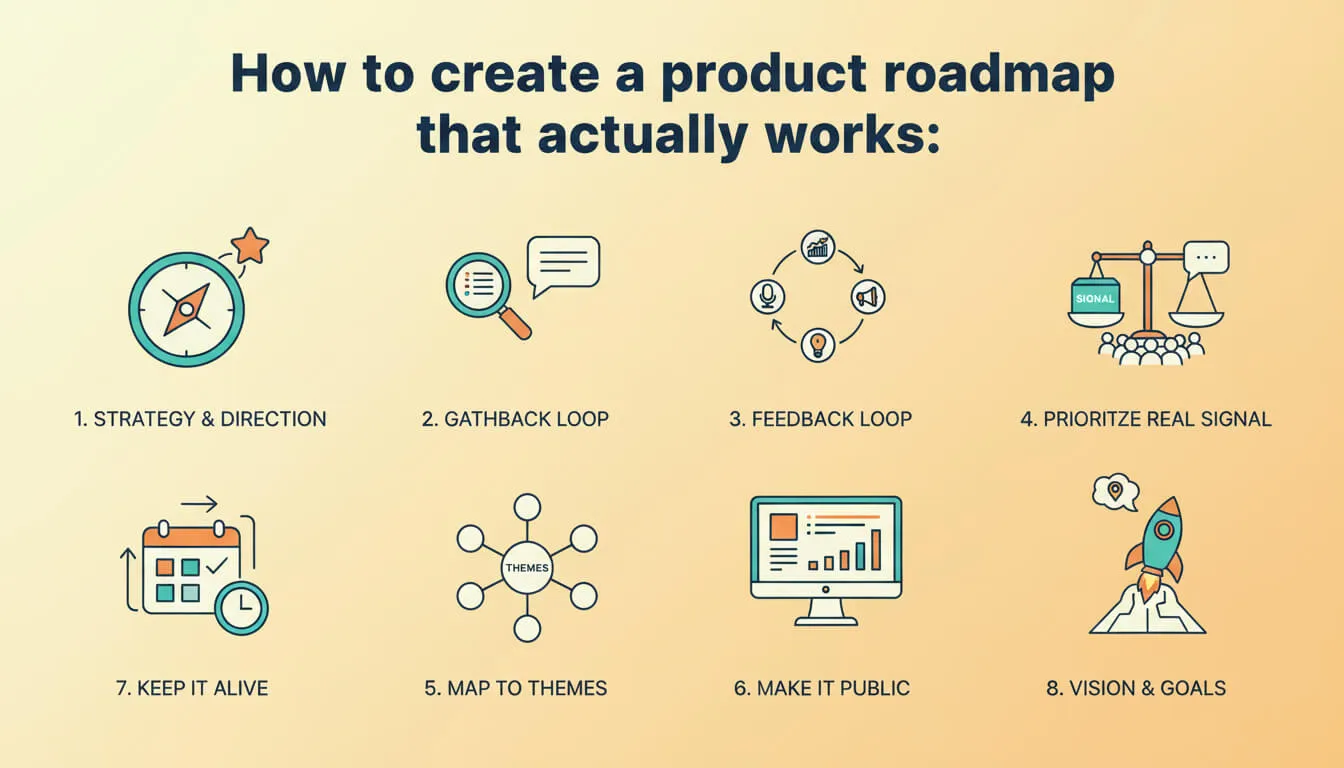
How to create a product roadmap that actually works:
- Understand what a roadmap is — a strategy, not a feature list
- Define your direction — know where you’re going before you start
- Gather feedback from every channel — and centralize it in one place
- Build a feedback loop — collect, analyze, improve, inform
- Prioritize based on real signal — not the loudest voices
- Map feedback to themes — not individual features
- Make it public — transparency builds trust
- Keep it alive — update regularly, communicate changes
That’s it. No enterprise frameworks. No complex scoring models. Just a straightforward process that connects what your users are telling you to what your team is building.
Once you know how to create a product roadmap this way, you’ll never go back to the old approach of guessing and hoping. The feedback is already there — you just need a process to turn it into direction.
The best roadmaps aren’t written in a single planning session. They grow organically from continuous conversation with the people who actually use your product.
If you’re looking for a simpler way to connect customer feedback to your roadmap, FeedLog helps small teams collect feedback, spot patterns, and keep users informed — without the enterprise complexity.
Start with listening. The roadmap will follow.